
Earlier offer discovery
High-Converting Coupon Feature
for WooCommerce Stores
Run smarter coupon campaigns with better visibility, cleaner redemption flow, and full control over where, when, and how coupons are applied.
How it helps
Coupon Features for Higher-Converting WooCommerce Stores

Make Coupons Easier to Discover and Use
Show relevant coupons at the right moment so customers don’t miss offers.
Increase Conversion with Frictionless Redemption
Reduce checkout drop-off with simplified coupon selection and optional auto-apply logic.
Increase Coupon Campaign Visibility
Make active offers easier to notice so more eligible shoppers actually redeem them.
Core features
Comprehensive Coupon Features for Performance-First WooCommerce Stores
Improve coupon discovery, redemption, product-page placement, and WooCommerce-native campaign control.
Visibility
Product-Page Coupon Visibility
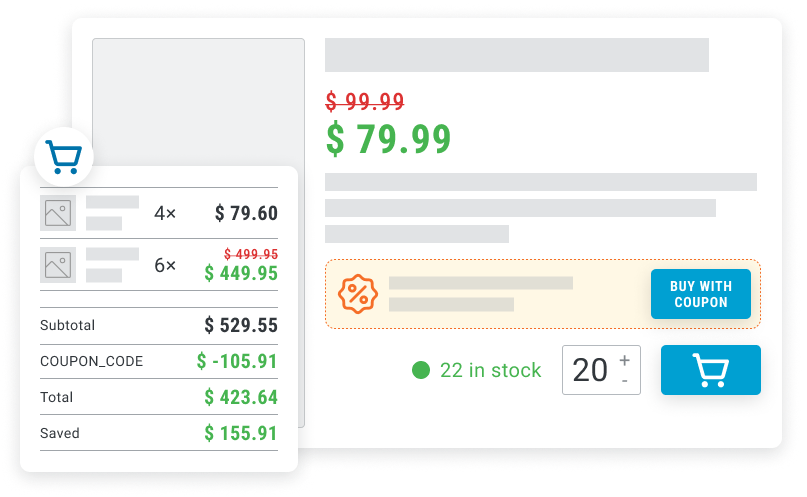
Display coupon offers directly on eligible product pages instead of leaving discovery to cart or checkout. This helps surface promotional value earlier in the buying journey, where shoppers are still deciding whether to add the product.
Visible
Show offers before cart
Eligibility
Eligibility-Based Coupon Display
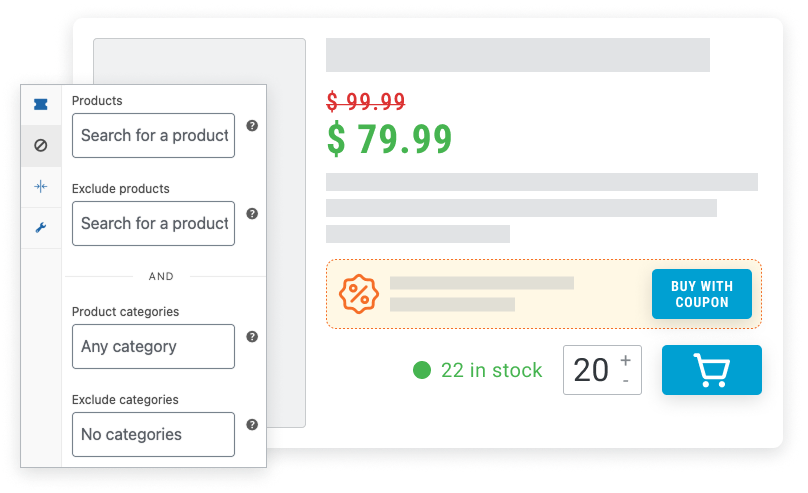
Display coupon blocks only when the coupon is valid, applies to the product, and actually lowers the price.
Eligible
Display only valid coupons
Auto-apply
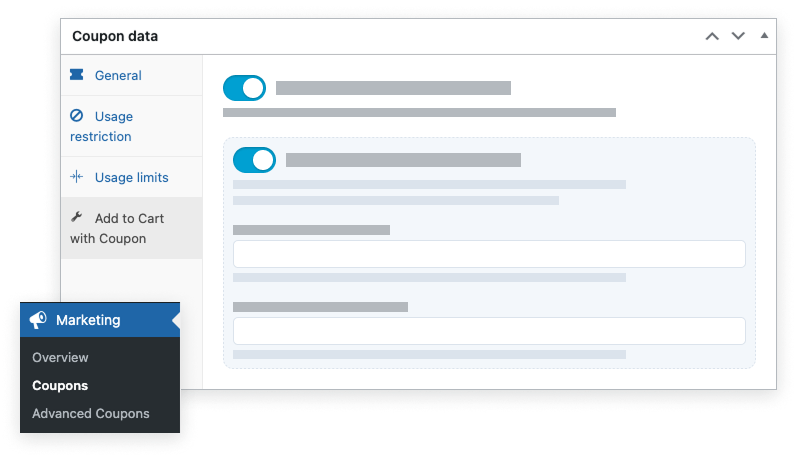
Optional Auto-Apply on Add to Cart
Automatically apply coupons when customers add products to cart, removing manual code-entry friction.
Apply
Remove manual code entry
Variations
Variable Product Support
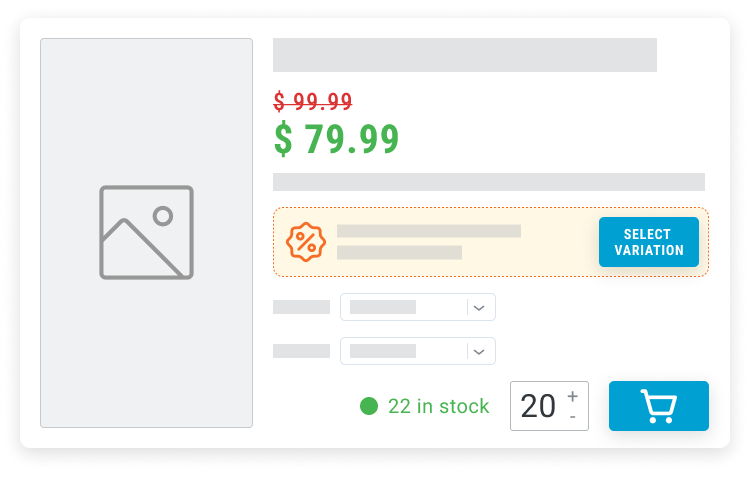
Support coupon CTA behavior on variable products, including option/variation selection flows.
Variations
Support option-based products
Placement
Configurable PDP Placement
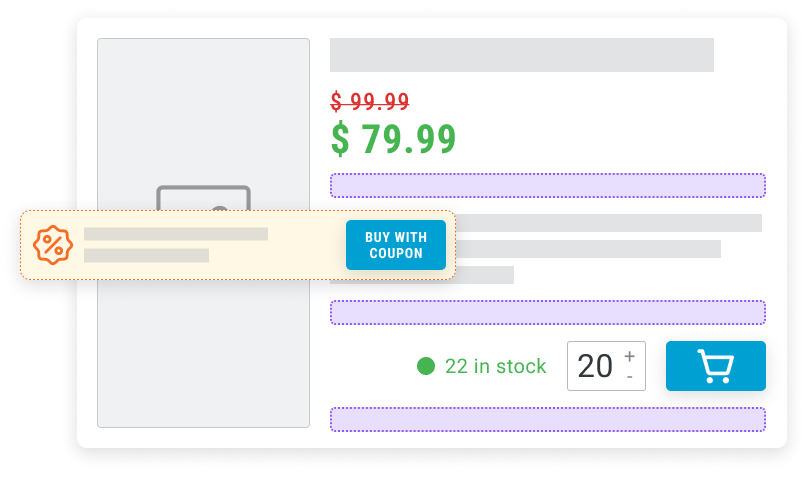
Choose where the coupon block appears on product pages (before/after add-to-cart or summary areas).
Placement
Control where coupons appear
Compatibility
WooCommerce-Native Coupon Compatibility
Build on standard WooCommerce coupons and restrictions while improving front-end visibility and redemption flow.
Native
Use standard WooCommerce coupons
How to use
Coupon Use Cases That Fit Your WooCommerce Store
Use product-page coupon visibility and smoother redemption flow to turn more product views into discounted purchases.

Promote a specific product line
Show coupon blocks only on targeted products, like running a “SAVE10” campaign across one category without changing site-wide pricing.
Launch a weekend coupon campaign
Run a time-limited coupon with clear product-page messaging so shoppers see the offer while browsing, not only at checkout.
Reduce code-entry friction on mobile
Enable auto-apply so customers can tap Add to Cart and get the discount without copying or typing coupon codes.
Highlight value before add-to-cart
Use custom CTA text such as “Buy for {discounted_price} with coupon {coupon_code}” to make savings obvious earlier in the journey.
Keep coupon UI aligned with your brand
Use custom/no-style mode and apply your own CSS so coupon blocks match your storefront design system.
Control where coupon messaging appears
Place coupon blocks near add-to-cart or product summary to test which PDP position drives higher coupon-assisted conversion.
Run coupons on variable products
Use coupon CTA flows on products with size/color options so discount messaging remains consistent across variation-based purchases.