
Recommendations without slowdown
Frequently Bought Together
for Fast, Configurable, and Automated Growth
Turn product pages into automated upsell opportunities with relevant recommendations that update automatically based on real customer purchase data.
How it helps
Drive Revenue Growth Across the Full Customer Journey
Fast by Design
Built for speed and control, the module shows relevant recommendations quickly while giving you flexible display options and automated product pairing.

Highly Configurable Display
Control placement, layout, template style, columns, slider behavior, title text, and render mode so the block fits your product page UX.
Automated, with Manual Overrides When Needed
Let recommendations update from real customer purchases, then fine-tune specific products when you want tighter merchandising control.
Core features
Frequently Bought Together for WooCommerce Stores That Need Real Control
Use real order history to power relevant recommendations, then adjust the display to fit your store. It stays easy to manage while giving you the control needed for important products and key pages.
Automation
Automatically Learns What Sells Together
Frequently Bought Together uses real customer orders to keep recommendations up to date automatically, so suggestions improve over time without manual setup.
Order data
Recommendations improve from real purchases
Product pages
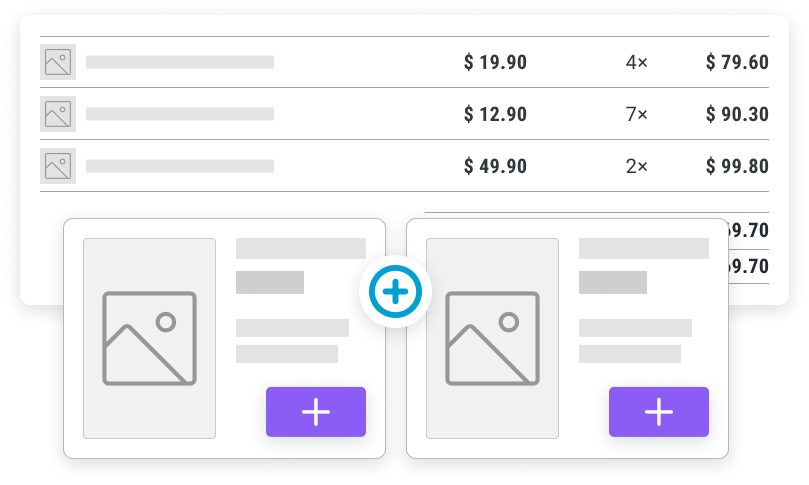
Works with Your Existing Product Pages
Display recommendations directly on product pages, where customers are already deciding what to buy and what they might need next.
Native fit
Shows offers where customers decide
Placement
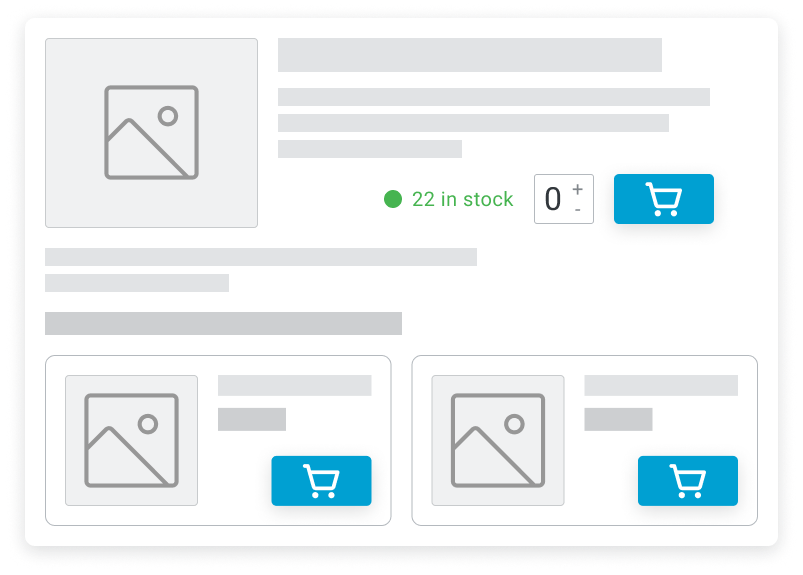
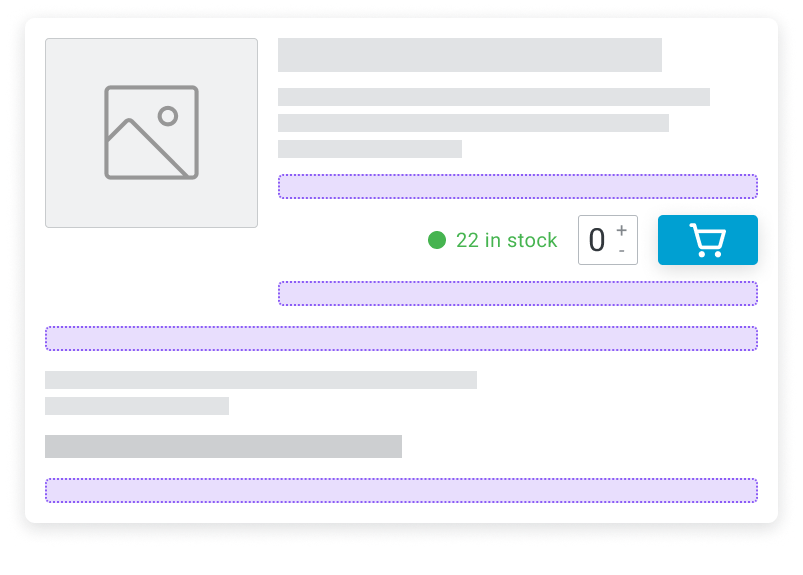
Flexible Placement on the Product Page
Choose where recommendations appear around the add-to-cart area and product summary so they support the buying flow instead of interrupting it.
Flexible
Position around the add-to-cart flow
Display style
Choose the Display Style That Fits Best
Show recommendations in a standard layout or slider, depending on your product page design and how many items you want to display.
Layout choice
Use a standard block or slider
Manual control
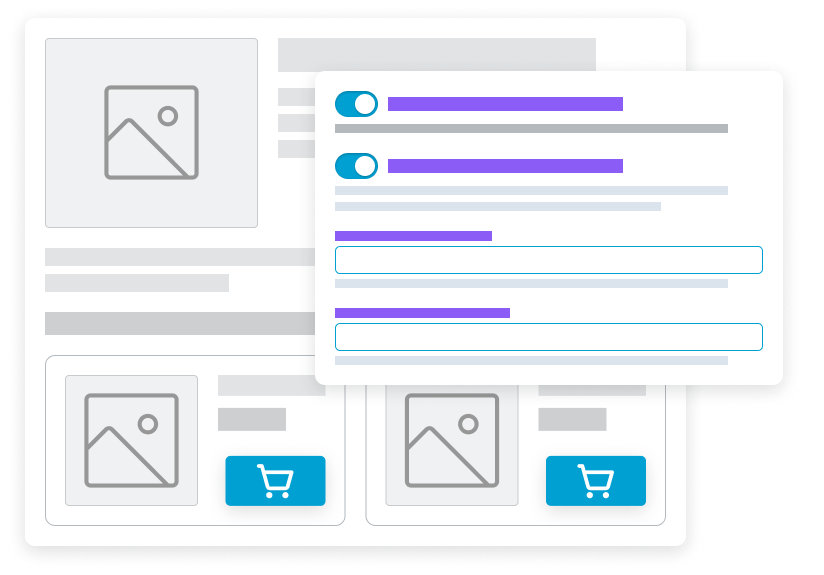
Fine-Tune Important Products When Needed
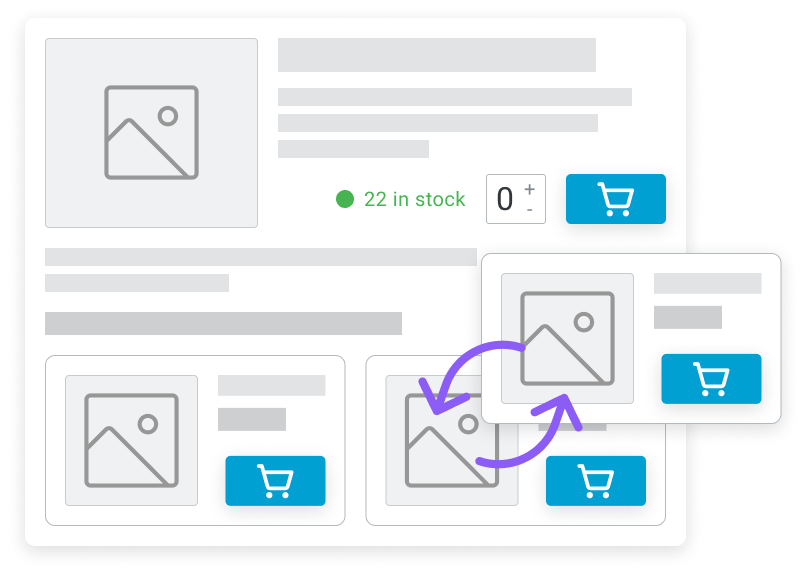
For key products, you can keep recommendations automatic, fully replace them, or combine your hand-picked items with automatic
suggestions.
Override
Mix automatic and hand-picked items
How to use
Real-World Frequently Bought Together Workflows for WooCommerce
These use cases focus on how stores actually use Frequently Bought Together in practice: automate the baseline, then fine-tune high-impact products and page layouts.

Start with Automatic Recommendations Across the Catalog
Enable Frequently Bought Together and use past order data to quickly populate recommendations across product pages instead of setting up product relationships one by one.
Fine-Tune Best Sellers Without Losing Automation
Keep automatic recommendations for most products, then manually adjust recommendations for top-selling items where merchandising matters most.
Add Priority Products to Automatic Suggestions
Schedule campaign windows in advance, like “Black Friday: 25% off selected products from Nov 28 to Nov 30.”